
Frontic changelog
Pages can now generate sitemaps
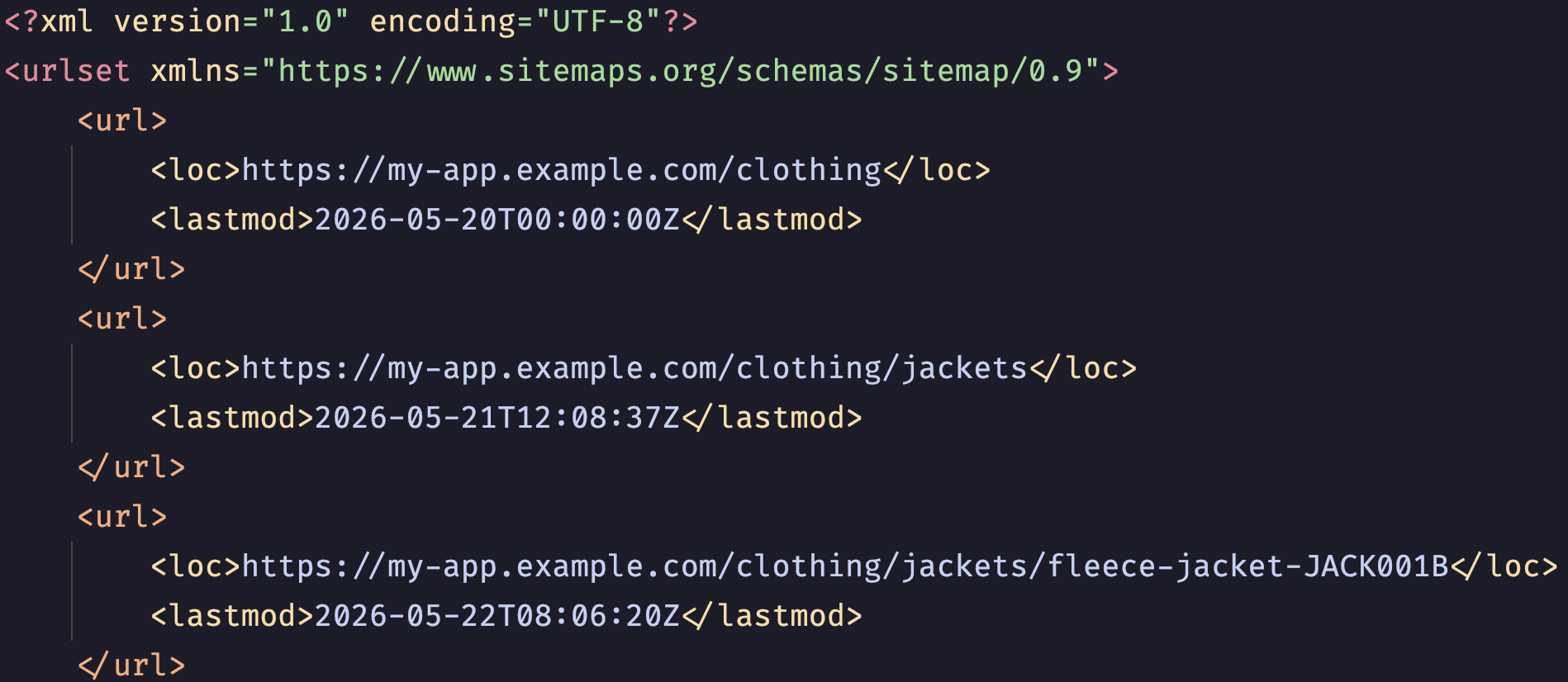
You can now access a Sitemap of all your Frontic Pages, helping search engines discover and index them more effectively. Sitemaps stay up to date as you add and update records, and you can exclude specific Pages by configuring their Sitemap toggle. Any existing Pages have that configuration disabled, so you can choose which to use for your Sitemap.
We update the Sitemap every hour (and on Page configuration updates). Use your Client SDK or the new Fetch API endpoint directly to access the Sitemap.
We handle splitting up the Sitemap into multiple files and linking them. For this, we expect your frontend application to expose a sitemap.xml endpoint for your configured Frontic domains (e.g. my-app.example.com/sitemap.xml) with an optional index (e.g. sitemap1.xml) to access split Sitemaps.
You can of course include your Frontic Sitemap into your existing Sitemap via a Sitemap index, enabling your frontend to combine Frontic URLs and any additional pages you might have.